 Packet Mail
FOR RADIO AMATEURS
Your packet BBS mail, in a proper mail app.
Packet Mail brings packet radio BBS mail to your phone with the ease of an ordinary email app.
Add your BBS the way you'd add an email account, and your personal mail and bulletins turn up in an inbox you already know how to use. Read on the go, reply, and keep an address book that fills itself in as mail arrives.
Who it's for
Packet Mail is for licensed radio amateurs who have an account on a packet BBS. It talks to your own BBS over your home network, or over a VPN such as Tailscale when you're away. It doesn't need a radio of its own, and it doesn't send anything over the air itself: your BBS does that, as it always has.
What it does
-
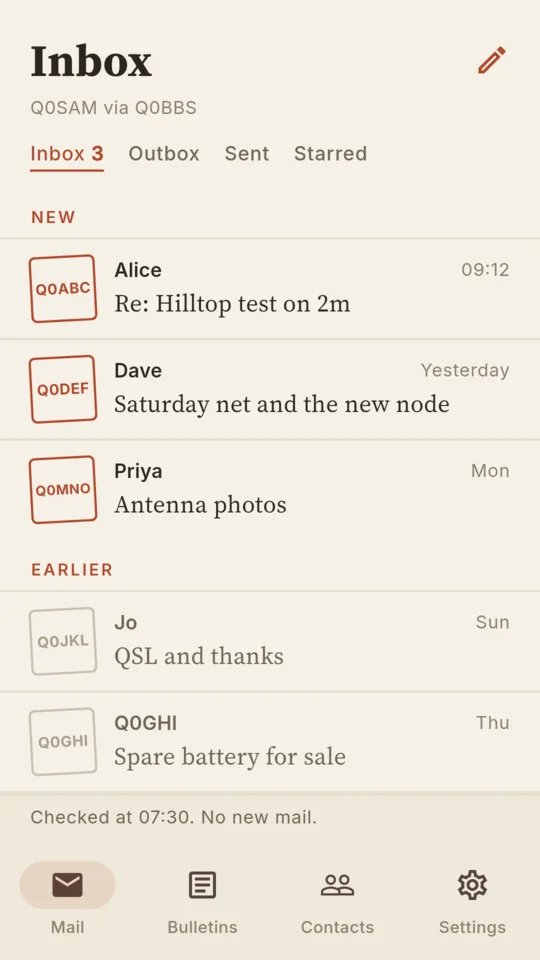
Inbox, Outbox and Sent
Everything in the places you expect, with each message's forwarding progress so you can see when it has left your BBS.
-
Bulletins, sorted
Browse bulletins grouped by category and area, and subscribe to the ones you care about.
-
Addresses checked as you type
Hierarchical addresses are checked while you write, and home BBSes are looked up through White Pages. Write to several stations at once.
-
Read it your way
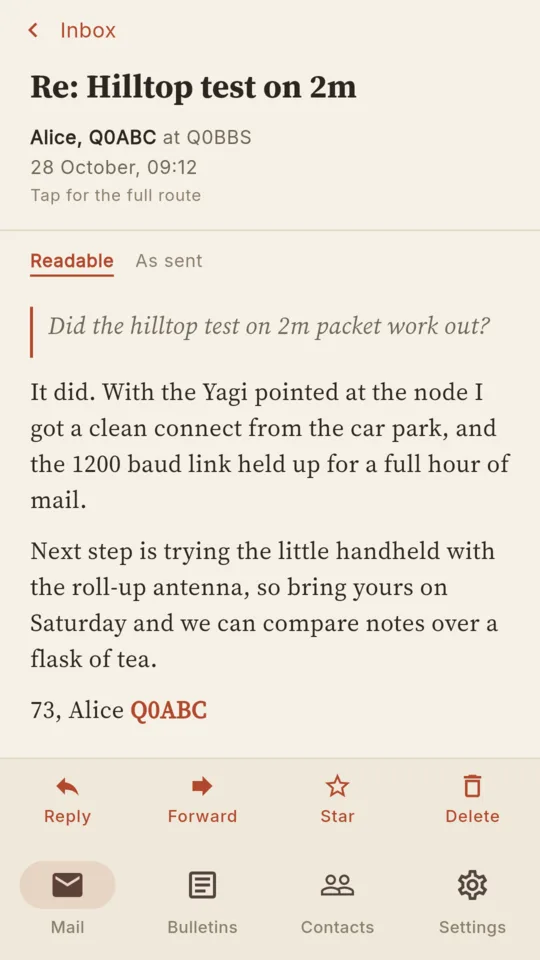
See a message exactly as it was sent, in a fixed-width face, or in a comfortable reflowed view for reading on a small screen.
-
An address book that fills itself in
Stations you hear from are added as their mail arrives, with their name and home BBS.
-
Private by design
No accounts, no ads, no tracking. Your mail stays on your phone and goes only to your BBS. Privacy policy.
Works with LinBPQ and XRouter
Packet Mail talks to LinBPQ (BPQMail) through its telnet port or its FBB port, and to the mailbox built into an XRouter node through its telnet port. If you can log in to your BBS with telnet, Packet Mail can probably talk to it too.
A look inside
Reading a message 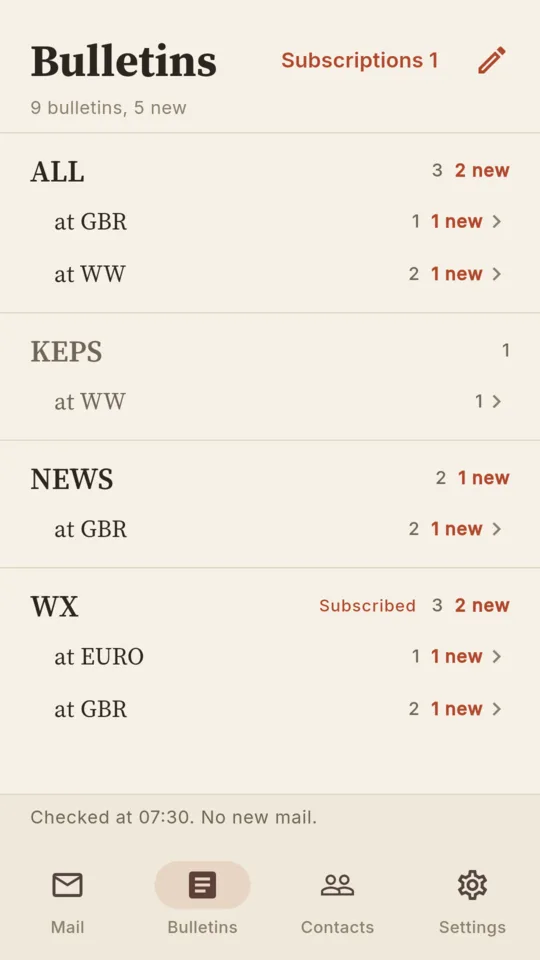
Bulletins by category 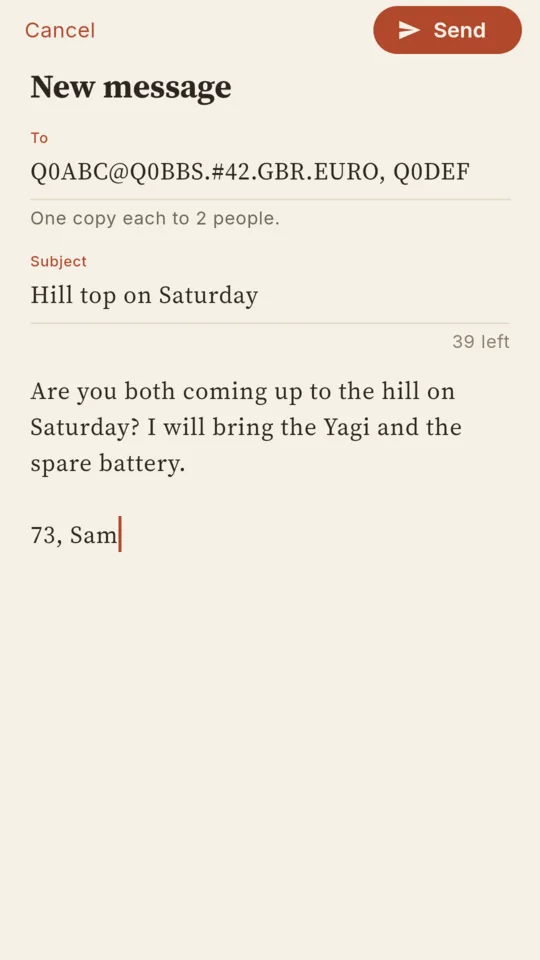
Writing a message 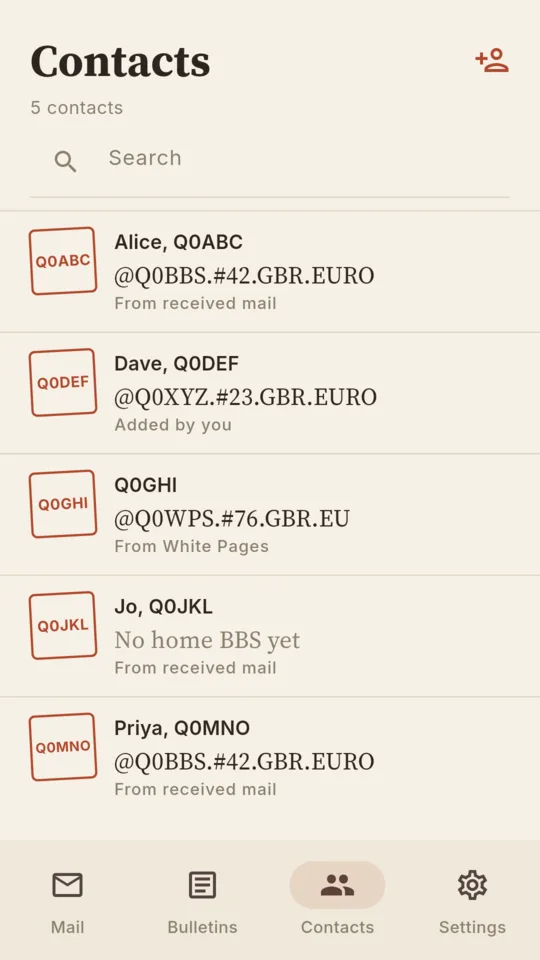
Contacts
Try it with the demo BBS
No BBS to hand? We run a public demo BBS with sample mail and bulletins, so you can see how the app works. Everything on it is made up, and your copy is private to you and reset after half an hour.
- Host
- packet-mail-app.m0lte.compute.oarc.uk
- Port
- 8011
- BBS type
- LinBPQ, FBB port
- Login name
- demo
- Password
- demo
- When the app first starts, enter the callsign
Q0YOU, any name, and the home BBSQ0DEMO.#42.GBR.EURO. - Add a connection with the details above, then tap Test connection.
- Send a message to
Q0BOT, the demo robot. It replies straight away.
Get Packet Mail
Packet Mail is coming soon to the App Store and Google Play. It is free and open source under the Mozilla Public License 2.0, and you can follow along or build it yourself from the source on GitHub.
Questions or problems? See Support, or email app-support@tomfanning.name.